Delivery methods

MCP server

40 tools
1B+ people
60M+ companies
15+ sources
What is a B2B data MCP server?
A B2B data MCP server is a Model Context Protocol endpoint that gives AI assistants like Claude direct access to company and people data as callable tools. Instead of exporting CSVs or wiring APIs, your agent searches, enriches, and monitors B2B data inside the conversation. Crustdata’s MCP server exposes 40 tools covering 1B+ people and 60M+ companies from 15+ sources.
ONE DATA LAYER, FOUR SURFACES
Pick the surface that fits your stack.


Before MCP
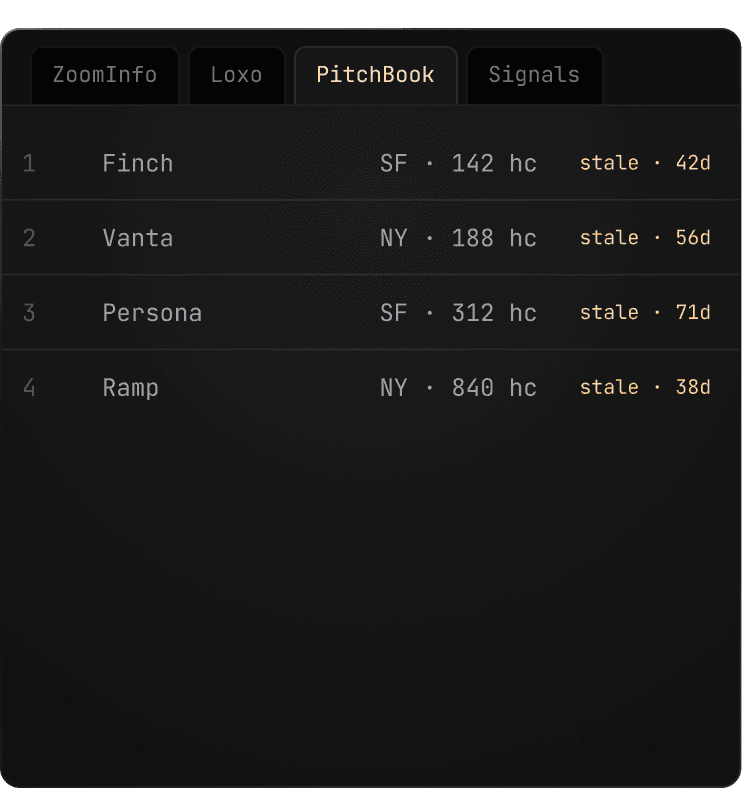
A subscription per workflow.
Prospecting tools, sourcing platforms, deal
screening software. Each paid separately, each
going stale on its own cadence.

Filters live in docs, not your head.
Every new list means re-reading the schema, guessing at field names, and testing until the query returns the right shape.
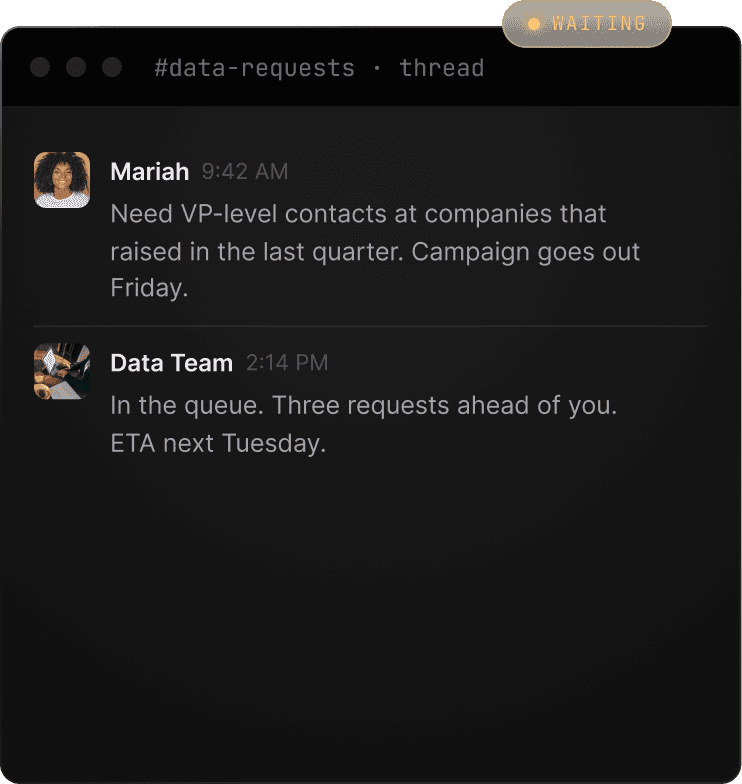
Custom queries wait in a queue.
Anything beyond a basic filter gets routed to the data team, added to a backlog, and returned after the window closes.
Seven tool groups cover company data, people data, jobs, social signals, web research, monitoring, and account utilities.
Company data
Identify, enrich, search, and run database searches across company records.
People data
Search, semantic search, enrich, contact enrich, and batch enrich people records.
Jobs
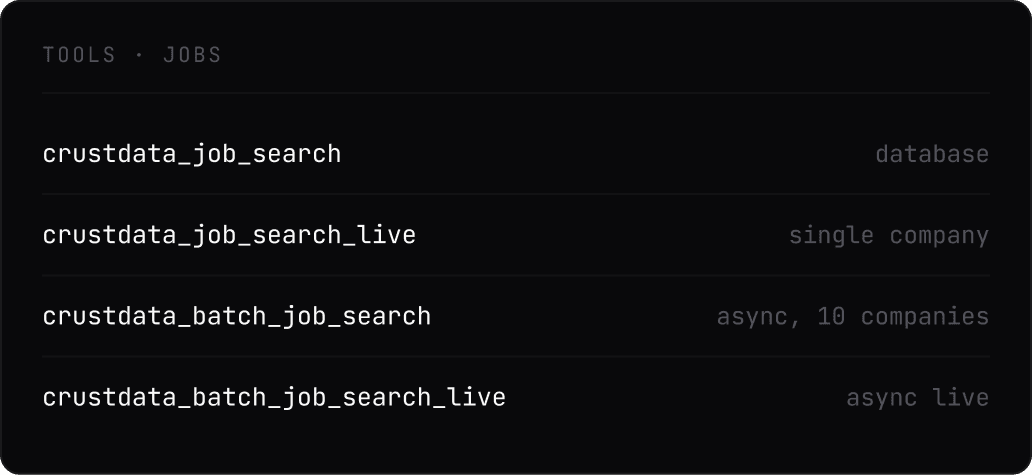
Run job search, live job search, and batch job search across companies and roles.
Social
Pull person posts, company posts, keyword posts, and Twitter posts into the agent workflow.
Web
Use web search and web fetch when an agent needs outside context alongside B2B data.
Watchers
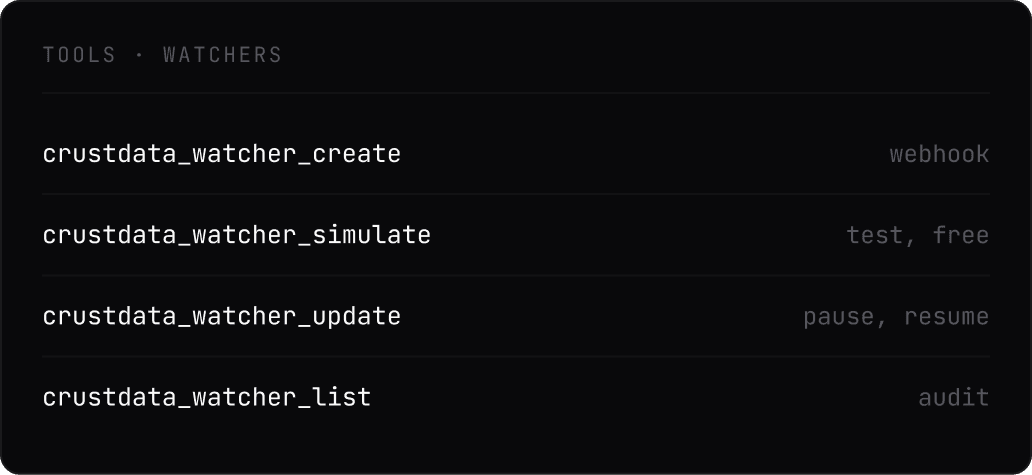
Create, list, update, simulate, and review run history for monitoring workflows.
Utilities
Check credit costs, credit balance, and autocomplete filters before running larger prompts.
Use Cases
One MCP data provider, every workflow
Sales, recruiting, and investment teams run different queries. Claude handles
all of them through the same 40 tools.


Four capabilities, 40 tools, one conversation
Every surface of the Crustdata platform, exposed as an MCP tool Claude can reach for.

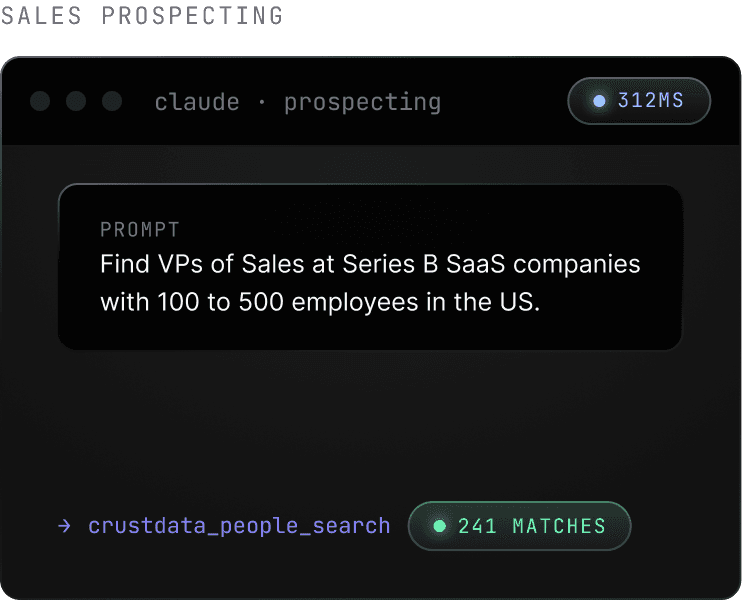
Build account and candidate lists from a prompt.
Describe the account profile or persona you need. Claude picks the right search tool, applies the filters, and returns a structured list you can refine in the same thread.

Pull social posts and web research in the same thread
Retrieve recent posts from target profiles, run a web search, or fetch a specific page without leaving the conversation.

Track hiring activity across target accounts
Ask Claude which companies are opening roles in sales, engineering, or leadership. Batch queries run across up to ten companies at once.
Create push-based alerts from a prompt
Tell Claude which job change, post, or role opening to watch. It configures the webhook and simulates the payload before going live.

Integration
Works natively with Claude.ai, Claude Code, Cursor, and any MCP-
compatible client.
STEP 01
Add the MCP endpoint
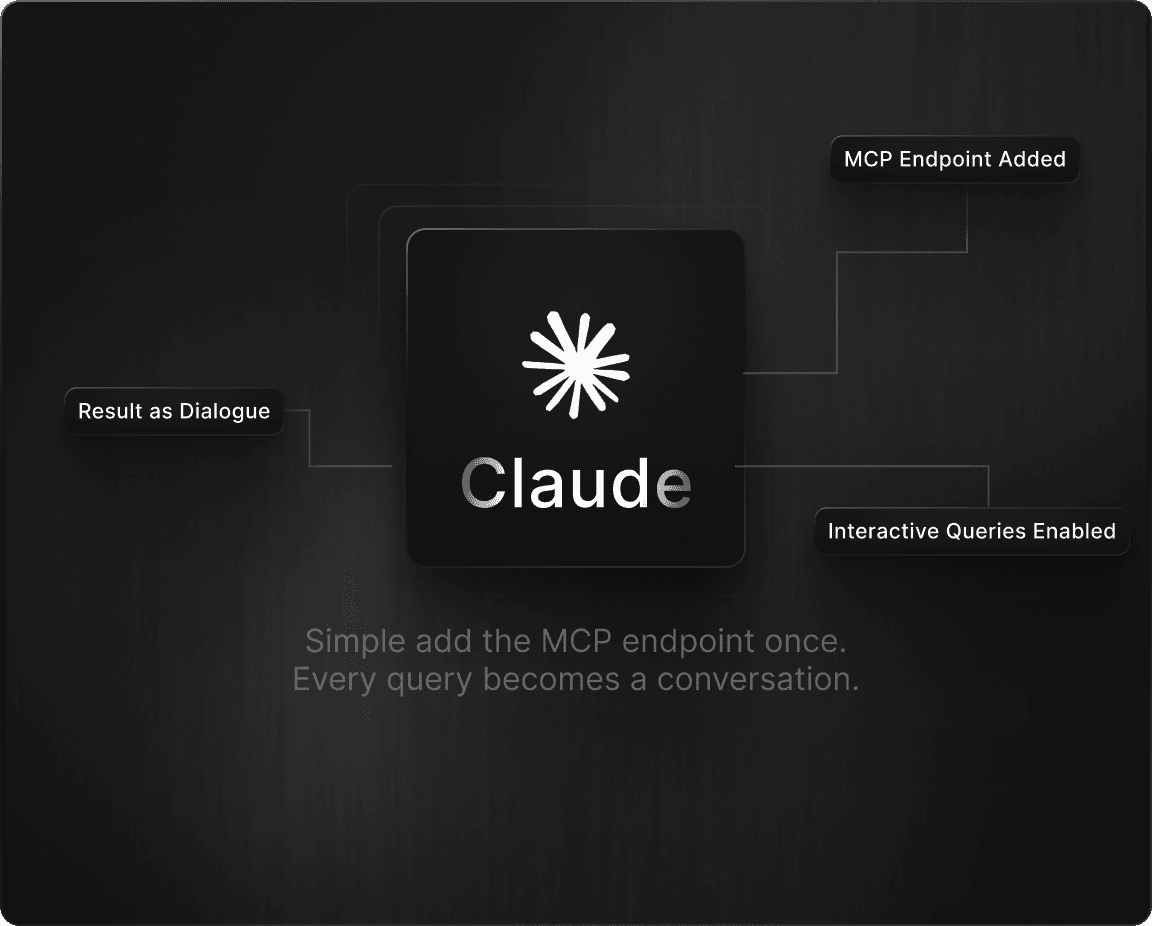
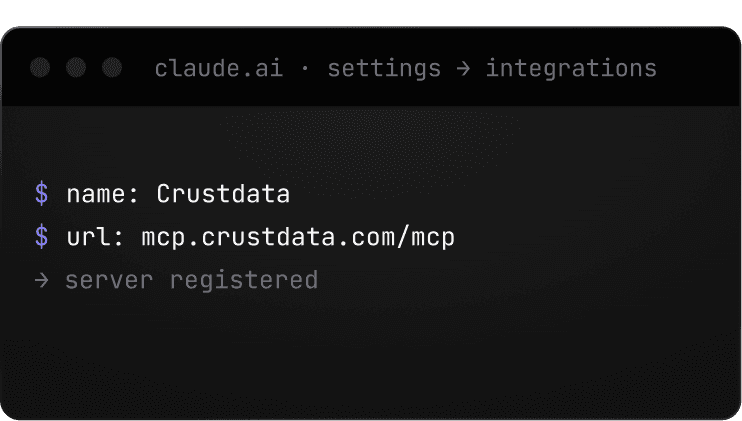
In Claude Settings, add a custom MCP server with the Crustdata URL. One field, one paste.

STEP 02
Authenticate once
Claude and Cursor sign you in with OAuth. No key to paste. File-based clients take your Crustdata API key in their config.

STEP 03
Query in plain English
Claude reads the prompt, picks the right tool, builds the query, and returns the structured response.
Claude (web and desktop)
Add the connector from Claude settings using the hosted endpoint, then approve with OAuth.
https://mcp.crustdata.com/mcp
Claude Code
Run the command once to add Crustdata as a hosted MCP server.
claude mcp add crustdata https://mcp.crustdata.com/mcp
Cursor
Add the hosted endpoint to mcp.json, then let Cursor open the OAuth approval flow.
mcp.json → https://mcp.crustdata.com/mcp
How it works
01
Connect the Crustdata MCP server to your MCP client.
02
Ask for the data you want in natural language.
03
The prompt resolves to a real API call against live data.
04
Structured results come back inside the conversation.
Under the hood
Watch what Claude executes behind the natural-language surface.
company_search.json
response.json
people_enrich.json
watcher_create.json
How Crustdata’s MCP server compares
Choosing an MCP data provider depends on the workflows you need, the coverage you expect, and how current the underlying data must be. This comparison lists Crustdata’s published capabilities and leaves competitor fields open for verification.
Crustdata
Coresignal
Explorium
Number of tools
40
3
11
Companies
60M+
103M
150M
People / profiles
1B+
792M
800M
Data sources
15+
Not stated
50+
Data freshness
Real-time at request
Jobs daily, bulk records refreshed monthly
Not stated

Get started
Give Claude the keys to 1B+ people and 60M+ companies
Every new account includes free credits. No card required.
What is a B2B data MCP server?
A B2B data MCP server is a Model Context Protocol endpoint that gives AI assistants like Claude direct access to company and people data as callable tools. Crustdata exposes 40 tools covering 1B+ people and 60M+ companies from 15+ sources.
How do I set up the Crustdata MCP server in Claude or Cursor?
Use the hosted endpoint https://mcp.crustdata.com/mcp. Claude and Cursor approve access with OAuth, and file-based clients can use your Crustdata API key in their config.
What tools does the MCP server expose?
What does each tool call cost?
MCP server vs REST API, when should I use which?
Use MCP for conversational agent workflows and REST for production pipelines. Both hit the same live data.
Is there a hosted endpoint or do I run it locally?
Hosted at mcp.crustdata.com/mcp, with nothing to install. Claude and Cursor use OAuth.